AI product
PersonalAgent: an AI agent with its own computer
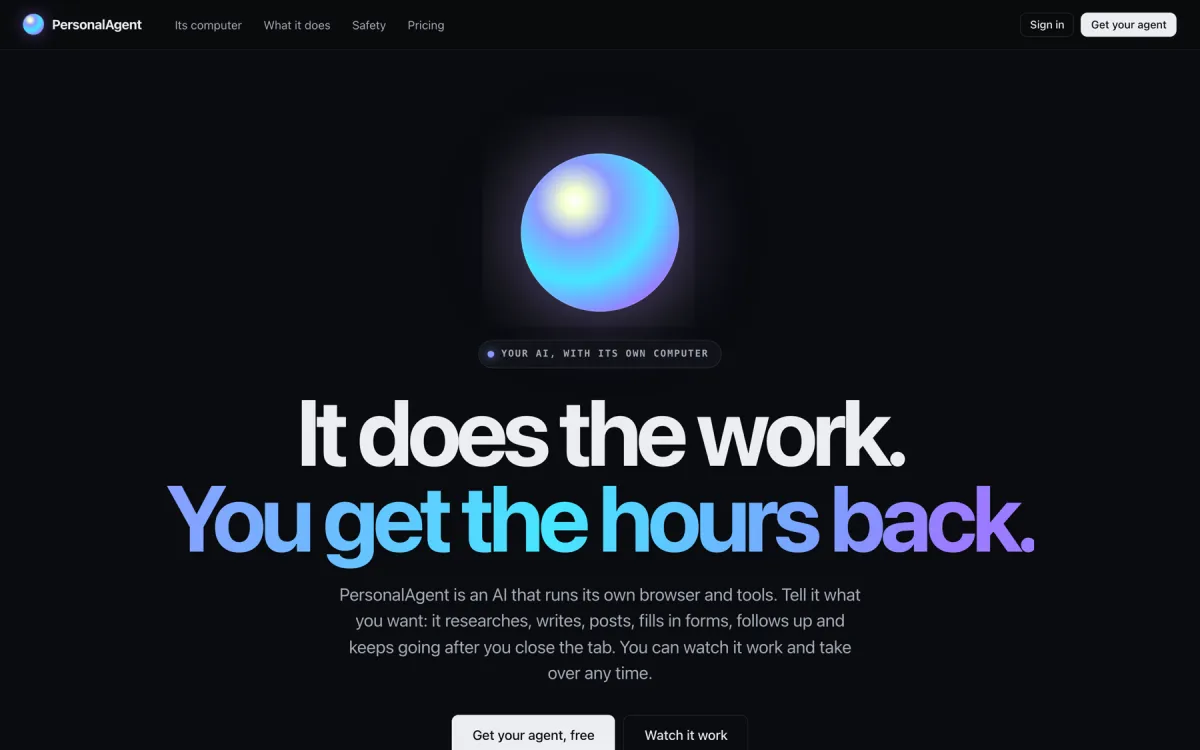
It browses, fills in forms, researches, writes and handles email in a sandbox you can watch and take over.
The problem
Chat assistants can tell you how to do something, but they rarely do it. An agent that actually clicks buttons on the open web needs three things most demos skip: real isolation between customers, a clear line where the human takes over, and a bill that matches what was used.
What I built
- A fresh computer for every task. Each browser task runs in its own short-lived container. Its network can reach the public internet but not the host, other containers or private address ranges.
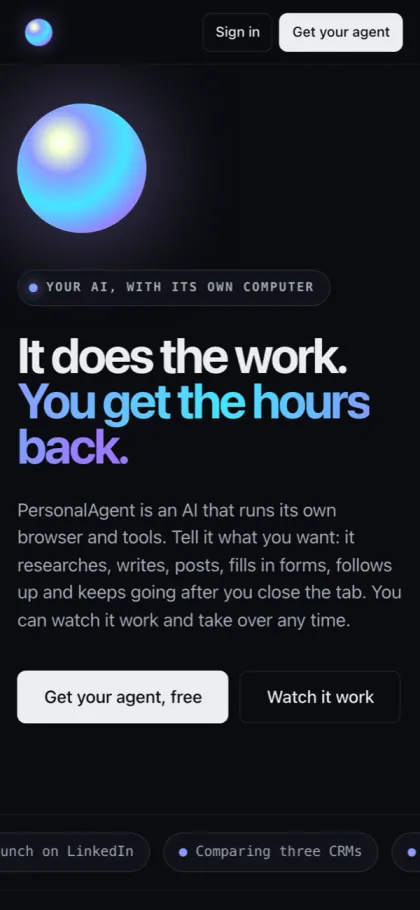
- Live view and handover. People watch the agent work step by step. When a site asks for a sign-in, a texted code, a password or a captcha, the agent stops and hands the screen to the person. If nobody takes over, it saves its place and parks the task.
- Runs on its own clock. Scheduled tasks in the person's local time, email-triggered tasks, page watches, reminders and a morning brief.
- Works where people already are. Web app, installable PWA, Telegram with action buttons, web push and voice in and out.
- Connectors. MCP connectors (Streamable HTTP) plus one-click access to every OneLifeVibe site through OneLifeVibe Connect.
- Memory and documents. Nightly memory of people and preferences, long conversation compaction, and a library of documents that print to PDF. Reads PDFs, Word files and spreadsheets.
Architecture
The sandbox streams a live view to the person and hands the screen over when a site needs a human. Postgres holds the data and Stripe handles billing.
Decisions and trade-offs
- Tenant isolation is enforced by tests. Every workspace has its own derived encryption keys (HKDF) and its own storage area, and the test suite fails any workspace query that does not filter on the tenant.
- A prompt injection guard. Outward actions are refused in any turn where content from a web page or email tried to give the agent orders. Rules the owner writes always apply.
- Exact metering. Every completion writes one usage row and updates the daily rollup in the same request. Costs are integers in micro-dollars, so there is no floating point drift.
- No double runs. Scheduled runs are claimed with UPDATE ... RETURNING, so two schedulers can never pick up the same job.
- Entitlement comes from billing state, never from a column a bug could flip.
- A network egress firewall and a signed identity. The sandbox network is firewalled and restored automatically at boot, and the agent's identity is published as a signed JWKS document so other services can verify its requests.
What it shows about how I lead
The product idea is simple and the engineering is in the boundaries: where the agent stops, who pays for what, and what one customer can never see of another. I write those boundaries as tests and let them fail the build. The same stance shapes how I run my own agents: they hand sign-ins, payments and risky actions back to a person.
Stack
Node.js · Postgres · Docker and Playwright for sandboxed browsers · DeepSeek models with tool calling · Model Context Protocol · Stripe · Web Push (VAPID) · Telegram Bot API · vanilla ES modules front end with no build step